


How it works

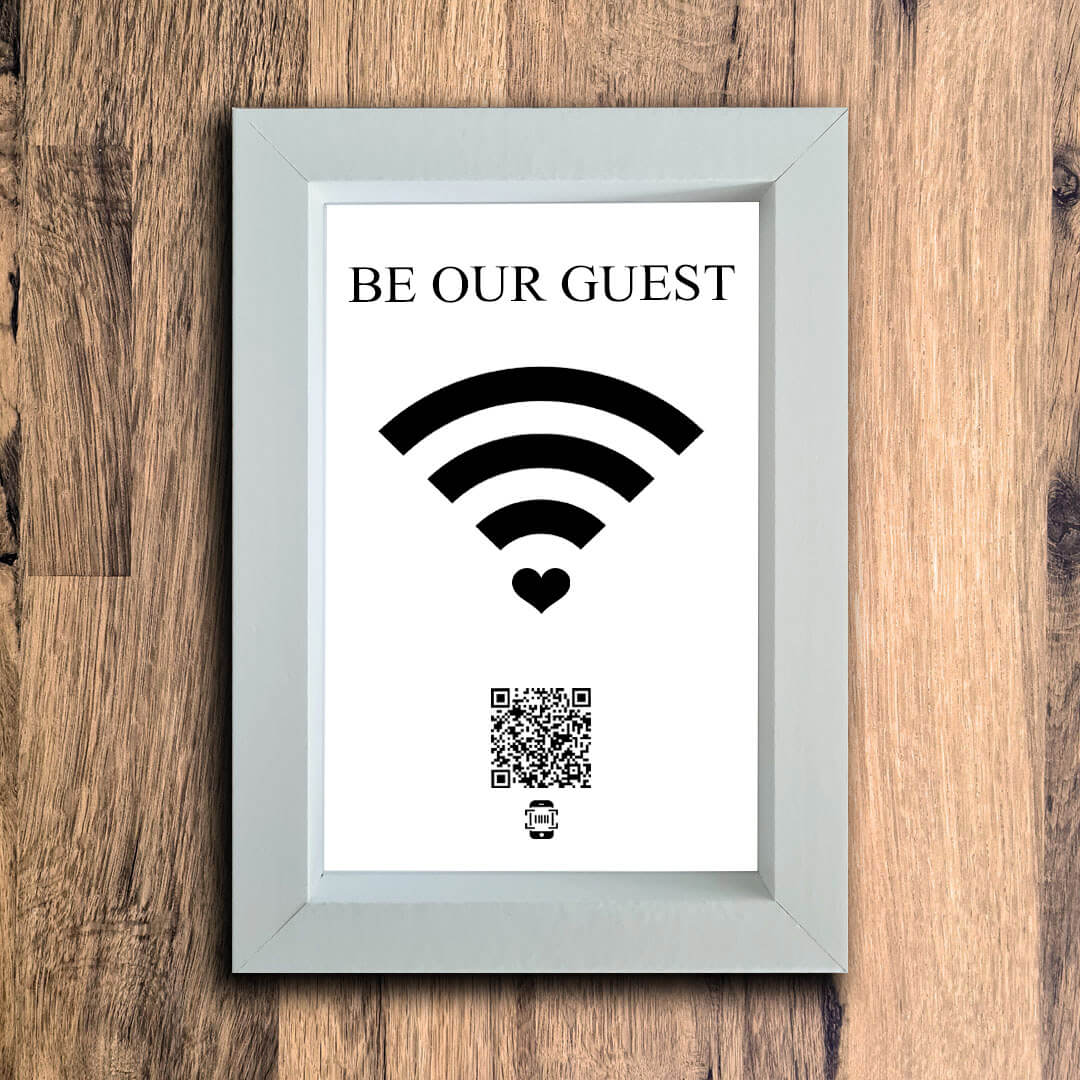
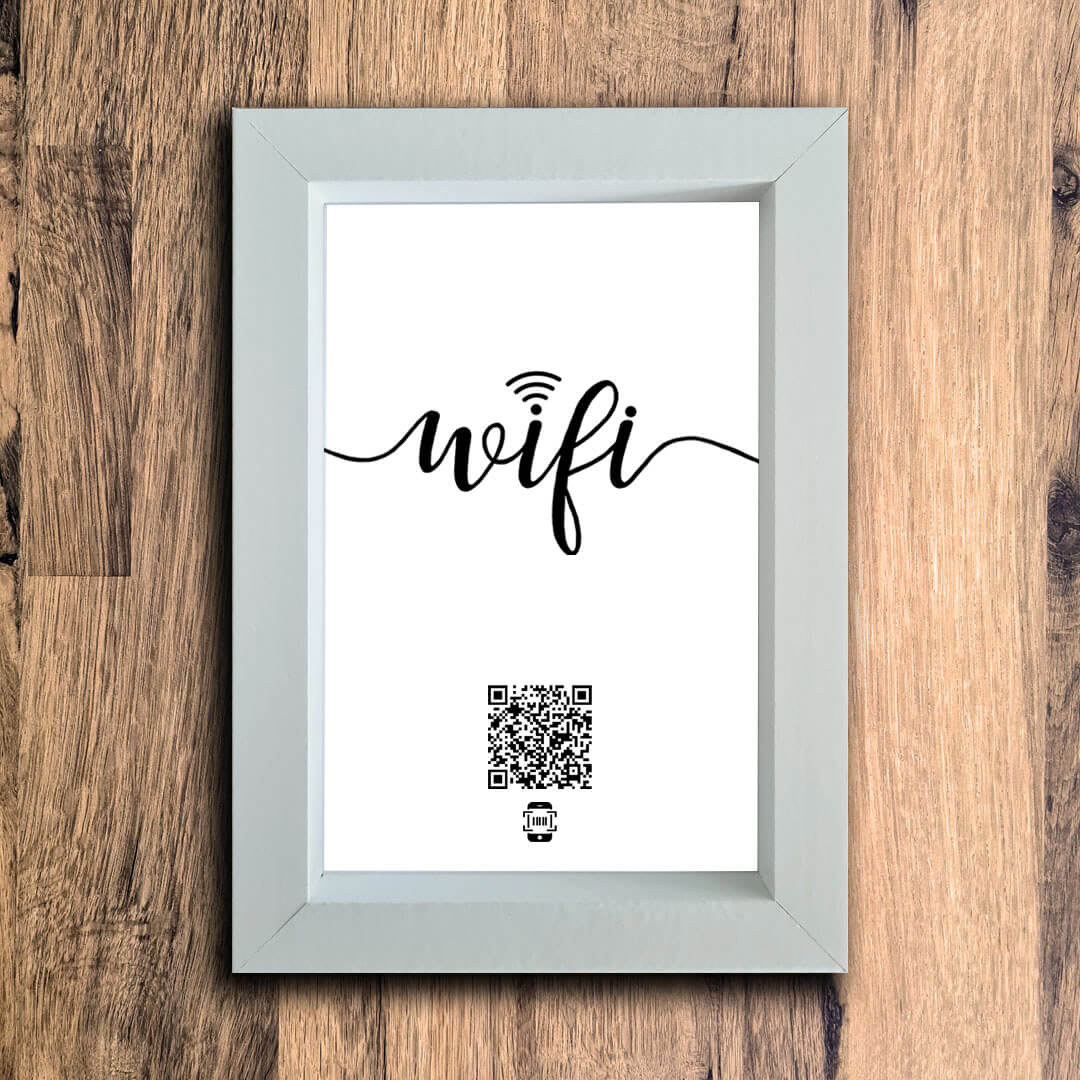
1. Select your favourite design

2. Upload a photo of your wifi details

3. Receive your personalised frame & QR code within days
The next time your guests ask you for the wifi password, tell them to simply scan the QR code on your frame and they'll be connected in seconds.
Shop bestselling designs
Frequently asked questions
 how does it work?
 how does it work?
We use QR codes to safely and securely store your home WiFi details which we then print on interior decor products (like photo frames). When guests in your home ask you for the WiFi password, tell them to simply open their phone camera, point it at your frame and they’ll be automatically connected. No usernames, no passwords, simply scan and
join.
 Are my wifi details secure?
 Are my wifi details secure?
Yes, your WiFi details are deleted from our system moments after we’ve generated the QR code that goes on your product.
 What happens if my wifi details change?
 What happens if my wifi details change?
If you purchase a frame, and your WiFi details change after purchase, don’t worry you won’t need to purchase a whole new frame. We can send you a print replacement you can add to your existing frame for a small admin fee.
If you need a replacement, please email hello@wheresyourwifi.com
 how long will delivery take?
 how long will delivery take?
We send all orders with express shipping in the UK. All orders are hand made and shipped from our UK studio and in most cases will be delivered within 5 days.
 Which details from the router should I enter when placing my order?
 Which details from the router should I enter when placing my order?
Enter the WiFi wireless network username (SSID) and password found on the back of the router. These are the details you would give to guests if they asked for the WiFi username and password. Please do not enter the 'Admin Password for Hub Manager'. If you have personalised your wifi details, please enter the personalised username and password.
 I have personalised my WiFi details, do I enter my orginal details (on the router) or my personalised details?
 I have personalised my WiFi details, do I enter my orginal details (on the router) or my personalised details?
Enter the personalised WiFi details (the username and password you would give to guests when they come to your home).
 Do you do bespoke designs?
 Do you do bespoke designs?
Yes! You say it, we’ll make it. Simply head over to our bespoke designs page, tell us what you want your design to look like and we’ll get to work.
You’ll only pay once you’re happy with the design. Once you’ve signed off the mockups via email, we’ll send you a payment link.
Bespoke designs are a flat £5 fee on top of the product price.
 where are the products made?
 where are the products made?
We make all our products right here in the UK. We're a small family business that has been operating since 2018.
We really appreciate all your support and every order is truly appreciated!

Trusted by over 10,000 homes & airbnb's in the uk 🇬🇧


Love my wifi frame! It sits on our sideboard and everyone comments on how smart it looks. No more writing the password on a scrap of paper. Really happy with it.
Julia Freeman
Verified Customer

Running two Airbnbs and this has saved me so much hassle. Guests connect instantly without messaging me for the password. Simple, professional, and it looks great in photos too.
Francesca Bolton
Verified Customer

Really lovely product. It sits on our sideboard and everyone comments on how smart it looks. No more writing the password on a scrap of paper. Really happy with it.
Charley Lee
Verified Customer

Several guests have mentioned the WiFi frame in their reviews - they love how easy it is. It's a small thing that makes a big difference to the guest experience. Would definitely recommend to other hosts.
Nicola Hartley
Verified Customer

People always notice it and ask where we got it from. It's just a nice thing to have in the house. The frame looks premium and the QR code works perfectly every time.
Louise Kenworthy
Verified Customer

Got this as a housewarming gift for a friend. She messaged me the same day saying how much she loved it. Really good quality and a genuinely useful idea.
Emma Lawson
Verified Customer

I used to get a message from almost every guest asking for the WiFi details, even though it was in the welcome guide. Since putting this in the living room, those messages have pretty much stopped. It looks professional, fits the décor, and took about five minutes to set up. One of the best small purchases I've made for the property.
Paul Griffiths
Verified Customer

I manage four short-term lets and put one of these in each property. Guests always comment on it and it's cut down my messages significantly. Good product, fast delivery, would order again.
Gavin Jones
Verified Customer

Bought this as a moving-in present for my sister. She absolutely loved it. Looks really stylish in her hallway and she said every visitor asks where she got it from. Great gift idea.
Amy Caldwell
Verified Customer

Sceptical at first because it seemed like a gimmick but it genuinely just works. Point your phone at it, you're on the WiFi. No messing around. Got a personalised one with my family name!
Chloe Harrier
Verified Customer

Really impressed with the quality. The frame looks expensive and the whole thing just works. Scanned it myself about ten times just because it's so satisfying.
Claudia Hinton
Verified Customer
bestseller spotlight:






Shop by collection
wifi photo frames


wifi photo frames
table coasters
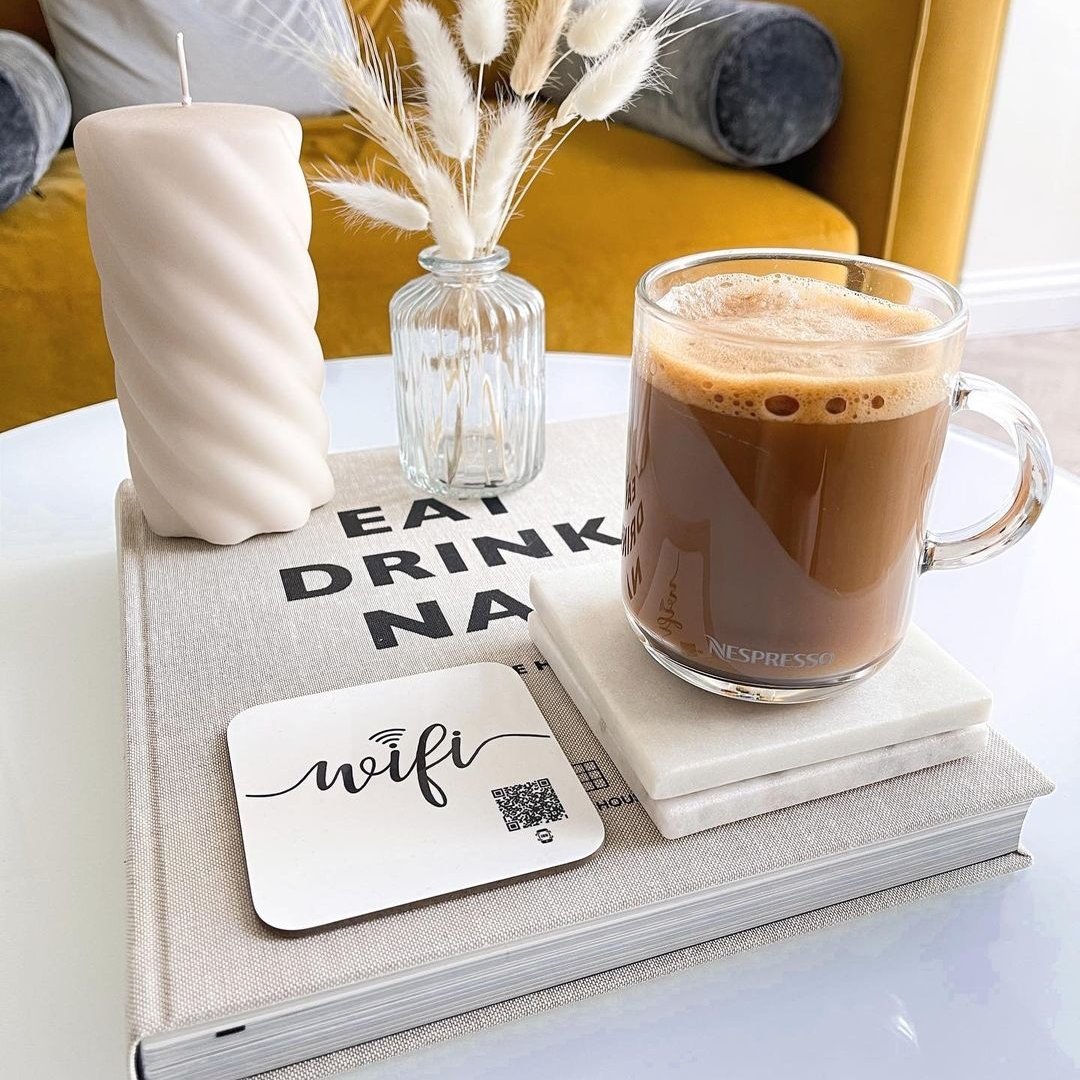
table coasters
fridge magnets
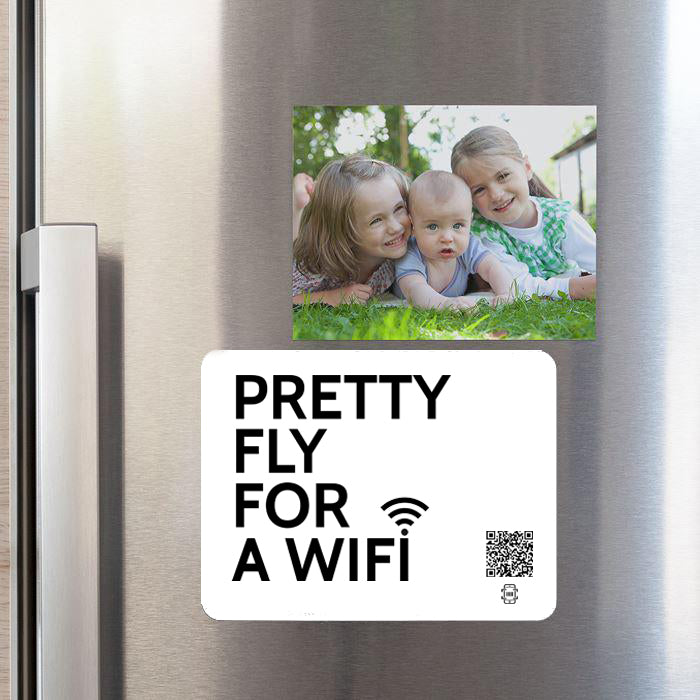
fridge magnets
cushions
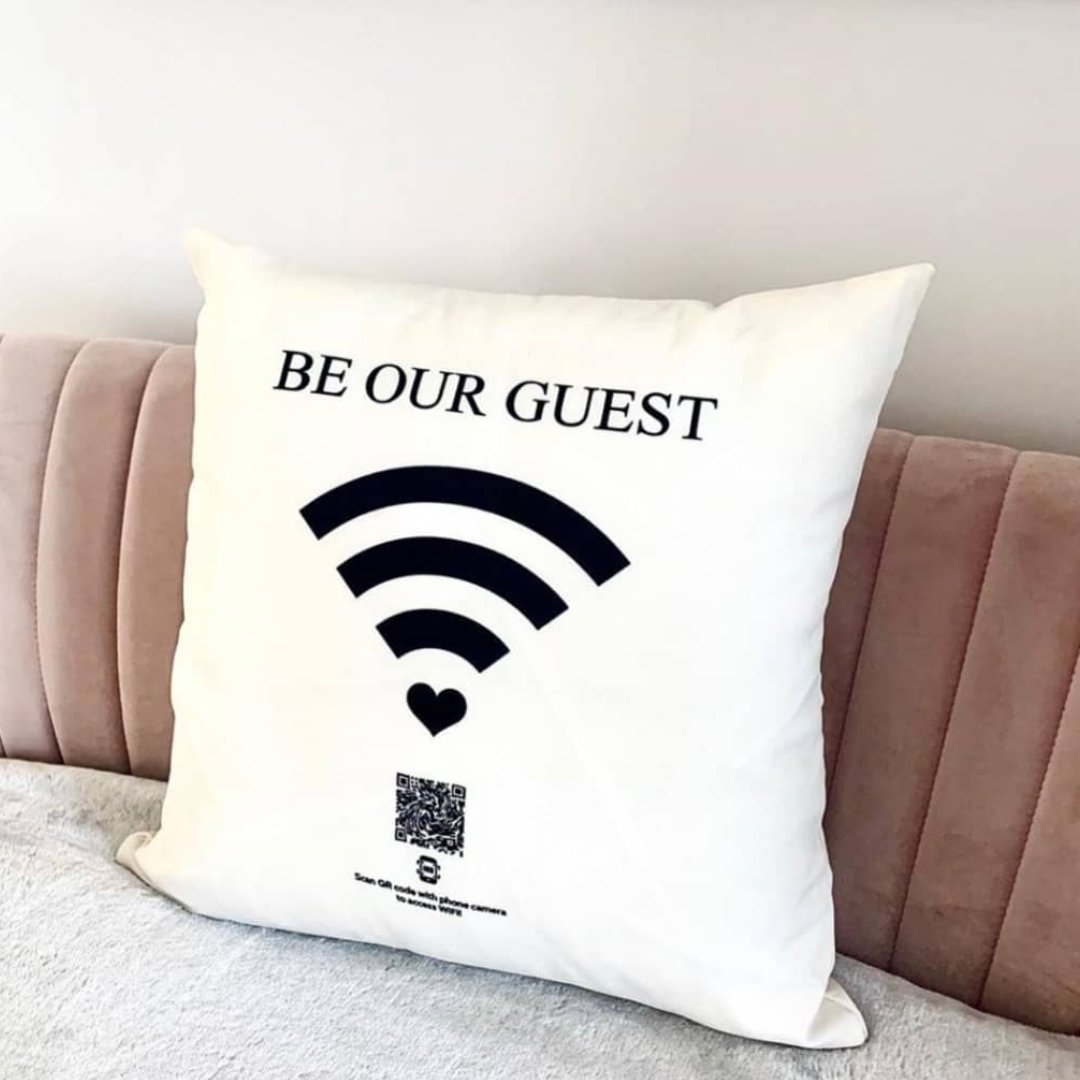
cushions